
24/7 Support DDoS Protection 99.9% Uptime

WordPress 7.2 Drops Admin Script Concatenation: What to Check
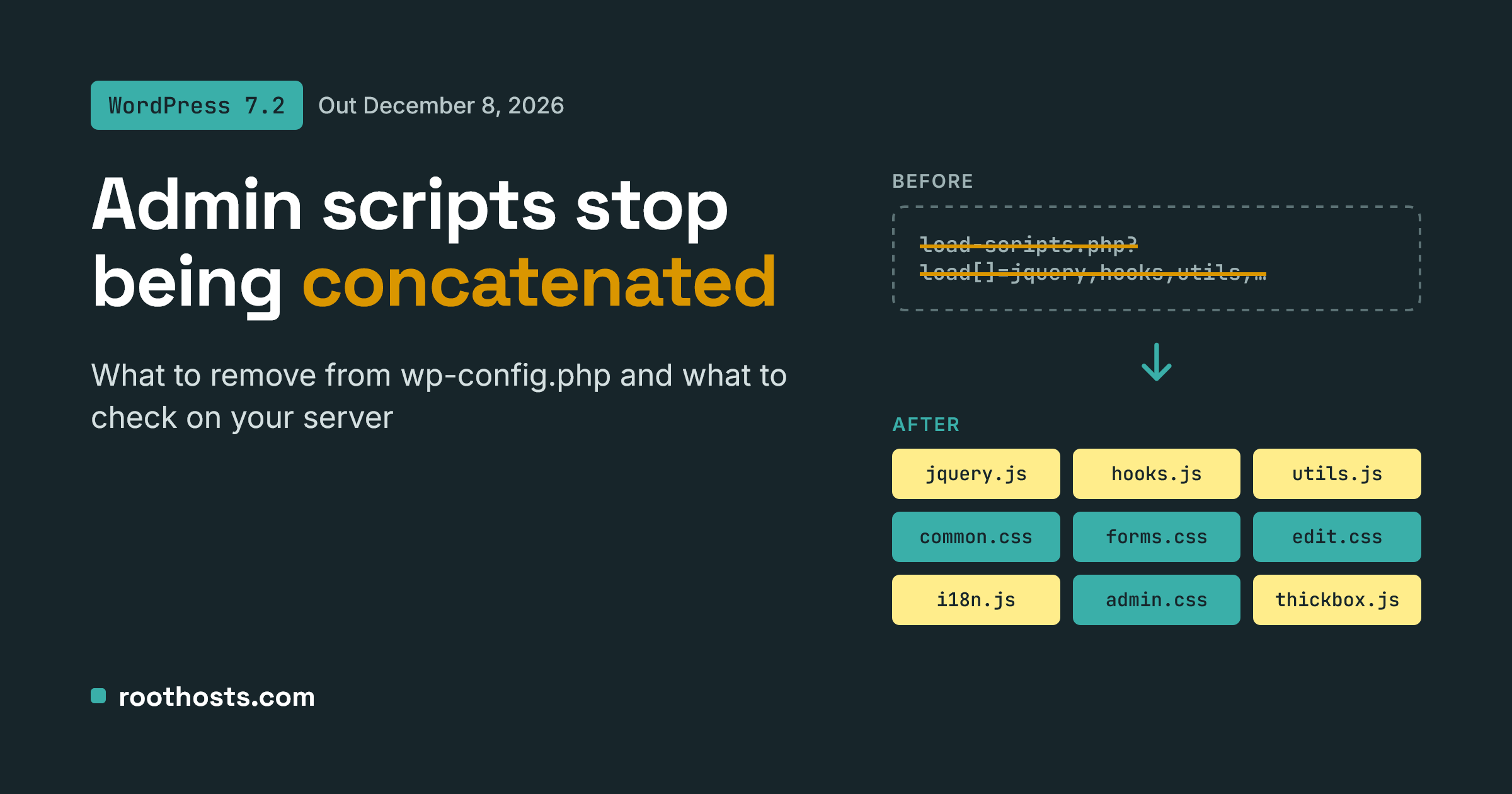
With WordPress 7.2, script concatenation in the admin area comes to an end. From the release scheduled for December 8, 2026, every JS and CSS file in wp-admin loads as its own request, and the CONCATENATE_SCRIPTS constant in wp-config.php is simply ignored.
For most sites nothing breaks. But if you manage WordPress servers, a few settings in wp-config.php and on the server side are now redundant, and one or two deserve a second look before the update lands.
Why WordPress 7.2 drops script concatenation
For years, wp-admin bundled dozens of core scripts and stylesheets into a single request through load-scripts.php and load-styles.php. That saved round trips back when browsers used HTTP/1.1 and could open only a few connections at once.
The same mechanism became a liability. CVE-2018-6389 showed that a flood of requests to load-scripts.php, each asking for a long list of files, could overload a server. Many hosts responded by setting CONCATENATE_SCRIPTS to false or by blocking those endpoints at the firewall.
In WordPress 7.2 the core team retires concatenation entirely. Each script and style gets its own tag, CONCATENATE_SCRIPTS is no longer read, and the remaining concatenation functions are deprecated. On modern HTTP/2 servers, separate files load in parallel over one connection, so the performance case for bundling is largely gone.
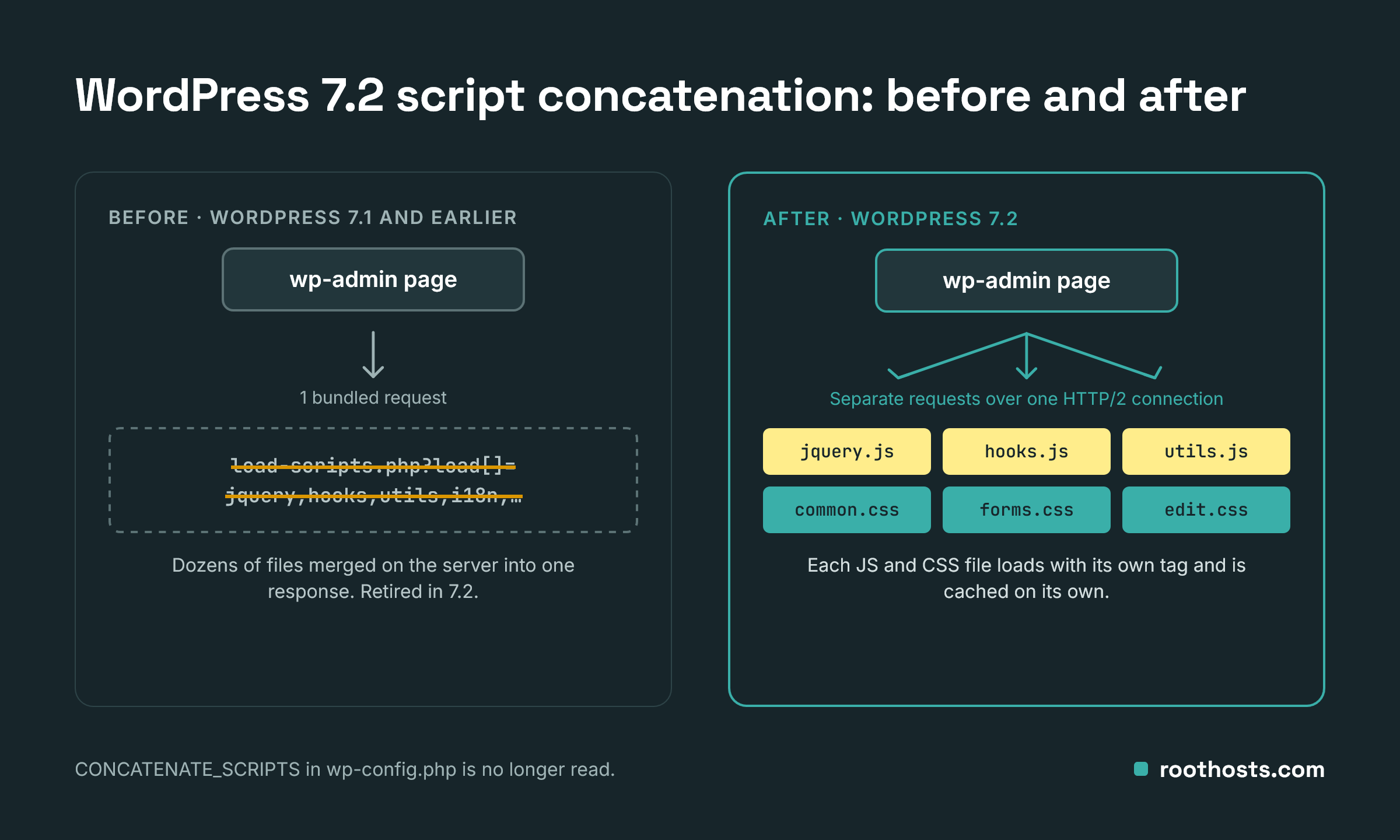
The diagram below shows the difference. Before WordPress 7.2, script concatenation meant wp-admin sent one long request to load-scripts.php, and the server merged dozens of files into a single response. In 7.2 that request disappears: the browser fetches each JS and CSS file on its own, in parallel over one HTTP/2 connection, and caches each file separately.
WordPress 7.2 script concatenation: what to remove from wp-config.php
After the WordPress 7.2 script concatenation change, these lines become dead code. Leaving them in place breaks nothing, but removing them keeps your configuration clean.
| Line | Status in 7.2 | Action |
|---|---|---|
define( 'CONCATENATE_SCRIPTS', false ); |
No longer read | Remove |
define( 'COMPRESS_SCRIPTS', false ); |
No practical effect; slated for removal | Remove |
define( 'COMPRESS_CSS', false ); |
No practical effect; slated for removal | Remove |
If you use Plesk or cPanel WP Toolkit: the CONCATENATE_SCRIPTS line is often added by the security check “Disable scripts concatenation for WordPress admin panel”. Don’t delete it by hand. Use Revert on that check in WP Toolkit instead, so the panel’s security status stays in sync with the file. A mismatch between the two is a known cause of a broken or blank admin screen.
WordPress 7.2 script concatenation: what to check on your server
- Firewall, WAF and CDN rules. Look for rules that target
load-scripts.phporload-styles.phpin ModSecurity, fail2ban, nginx/Apache or IIS URL Rewrite/Request Filtering, Cloudflare or your security plugin. After 7.2 they protect an endpoint WordPress no longer uses, so you can retire them. - Rate limits on static assets. A single admin page will now make many more requests to
/wp-includes/js/,/wp-includes/css/and/wp-admin/css/. Tight per-IP limits can start blocking your own editors. - HTTP/2 or HTTP/3. Confirm the site is served over HTTP/2 or newer. On HTTP/1.1, dozens of separate files will make wp-admin noticeably slower.
- Browser caching headers. Make sure core JS and CSS get long cache lifetimes, so the extra requests happen once per version rather than on every page.
- Debug log. Plugins that still call deprecated functions such as
script_concat_settings()will log deprecation notices. EnableWP_DEBUG_LOGon staging and review the log after updating.
How to test before December 8
- Clone the site to staging and update it to the latest WordPress 7.2 release candidate.
- Open wp-admin with browser DevTools on the Network tab. You should see individual JS and CSS files instead of
load-scripts.php?load[]=...requests. - Click through the screens your clients use most: the editor, Plugins, Media, WooCommerce if present. Watch for 403 or 429 responses, which point to a firewall or rate-limit rule.
- Check the debug log for deprecation notices and note which plugins need updates.
One side effect is good news. WordPress 7.0 introduced a regression where ThickBox modals, such as “View details” on the Plugins screen, failed to open with concatenation on. A common workaround was setting CONCATENATE_SCRIPTS to false. Once WordPress 7.2 removes script concatenation, that workaround is no longer needed.
Need a hand?
If you would rather not audit firewall rules and wp-config files across every site yourself, we can do it for you. Whether your WordPress sites run on Linux or Windows Server, our team checks them ahead of the WordPress 7.2 script concatenation change, cleans up obsolete settings, confirms HTTP/2 and caching are in place, and tests wp-admin on staging. Sites on our WordPress hosting are already covered. Contact us by email, Discord, Telegram or WhatsApp.
Sources
- WordPress Core changeset 64585: Retire script and style concatenation
- Trac #57548: Stop concatenating scripts and stylesheets in wp-admin
- Trac #66053: COMPRESS_SCRIPTS and COMPRESS_CSS constants
- Trac #65515: ThickBox regression in WordPress 7.0
- WordPress 7.2 release party schedule
- Conetix: WordPress admin has broken CSS or blank